Archive for the ‘Camera Settings For Better Images’ Category

Do You Chimp When Taking a Digital Image With Your Camera

Chimpanzee

The above Chimpanzee has been captured on film with a film camera and subsequently scanned and processed in Photoshop.

Chimping with a digital camera generally refers to the action of checking the LCD monitor of the camera after you capture the image to ensure that the image is to your satisfaction. Take the picture and then turn the camera around to look at the image, something like a Chimpanzee would do.

With the latest digital cameras, the LCD screen is quite large with most cameras, up to 3 inches or 74mm. There are some advantages and also disadvantages in chimping with the LCD screen.

  • One of the biggest advantages of digital cameras compared to film is the instant feedback you get.
  • Even though the screen of most digital cameras is quite large it is still relatively difficult to judge accurately if the exposure is correct from just looking at the image itself on the LCD screen.
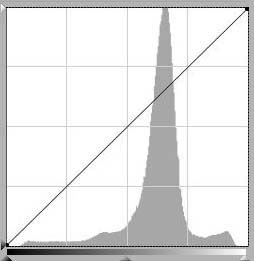
  • If you really need to check if the exposure is OK then select the camera’s menu option to see the Histogram on the screen. Most good cameras will have this option. The Histogram will give a very good indication of the correctness of the exposure, it will also indicate if the camera has captured the dynamic range of the scene.
  • If you are really into chimping, then you can also generally zoom in with the LCD monitor with most cameras and if you zoom in enough the sharpnes of the image can also be checked on the monitor.
  • If you spend too much time in chimping you may also miss a critical image. Photography is all about capturing the decisive moment and who wants to miss it.
  • Chimping with the LCD monitor all  the time will cause your camera to consume more battery power and shorten the number of exposures available from a fully charged battery.
  • Chimping with your camera is a great additional tool for photographers to use.
  • If we do chimp with our cameras lets do it a little more intelligently than a Chimpanzee would do.

Some Photography Tips for Better Images

Noisy Miner

There are many tips to help you get nicer images from your camera. With today’s cameras, generally the camera is very good in getting the exposure correct, but there are a few settings, where the camera can be overridden to change and improve the “look” of the resulting image. The above image of the Noisy Minor was captured with a Nikon D700 camera and 300mm lens. A shutter speed of 1/1600 second was used and an aperture of f/4.5.

  • Have a variety of focal length lenses so that you can fill up the major part of the viewfinder with the main subject. Zoom lenses can give you some flexibility in this regard. Some photographers prefer zooms and others prefer to have a few fixed focal length lenses for variety and different perspectives.
  • Sometimes I find that gives a nicer composition to the image if you fill up only part of the frame, but the main subject must still fill a major part of the viewfinder.
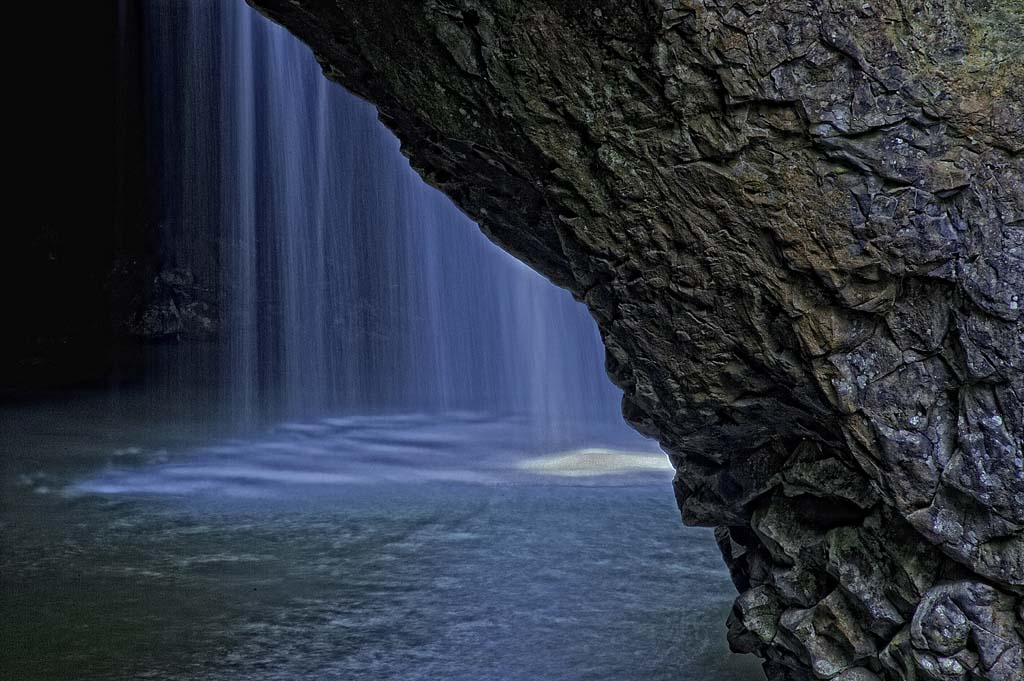
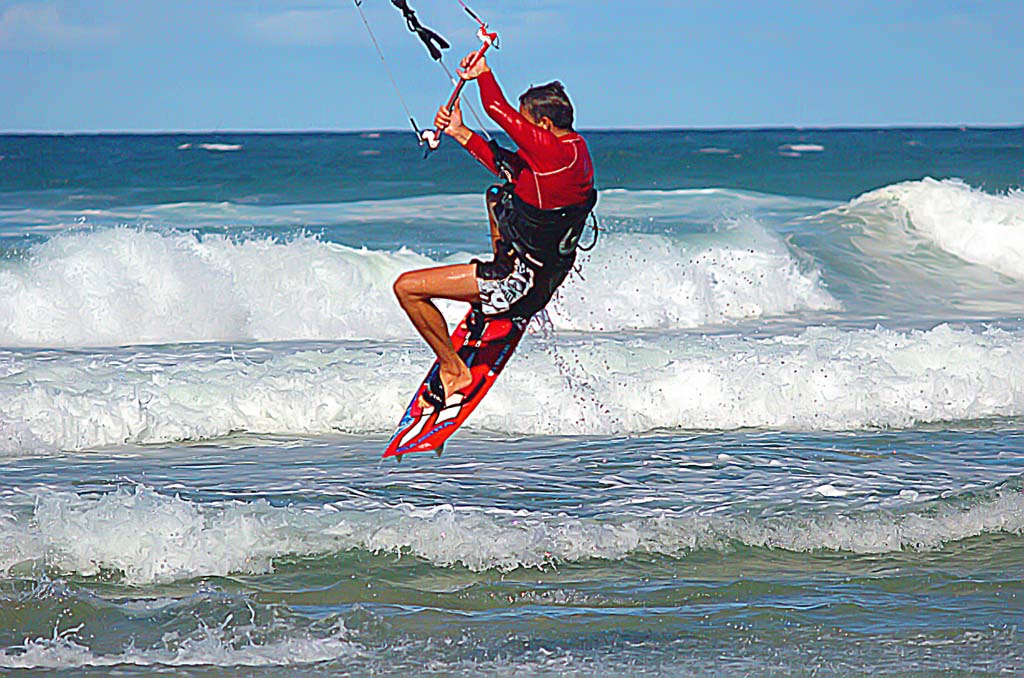
  • The shutter speed can have a major impact on the image. You need a shutter speed fast enough to freeze any movement of both of the main subject and also any camera movement. Generally in mast normal situations when you are using a normal lens of around 50mm, a shutter speed greater than 1/50 second will be adequate. A tripod can also be used if you want to use slower shutter speeds. Sometime I like to create intentional blur in an image by using a slow shutter speed, such as a waterfall or fast flowing water.
  • The creative use of aperture can also add to your images. A large aperture of say f/1.4, will give a very narrow depth of field and help to blur out the background. Also a longer telephoto lens with a lower aperture will blur the background. When using large apertures ensure that all the important parts of the main subject are in focus, this can be checked by using the depth of field preview or by taking several images at differing apertures.
  • Purchase quality photographic equipment. Poorer quality equipment will generally give lesser quality images.
  • Spend some time looking through the viewfinder and composing the image, changing your viewpoint, re-frame the image until you are happier with the composition. In these days of digital cameras we are inclined to shoot more images and quickly than we did in the film days  with less thought being put into each image. Take your time with each image.
  • Enjoy your photography. I enjoy my photography more when I get better results.

Bird Flight Images Using Nikon Cameras and Lenses


Pelican

One of the faster focussing Nikon cameras will be required for this type of photography, as fast acquisition of focus is essential due to the fast movement of the bird. Some of the ideal cameras in order of preference are the Nikon D3, D700, D300s and the D7000. The image above has been captured with the Nikon D700 camera.

It is a great challenge attempting to freeze the action of a moving bird, but I love the challenge in getting sharp images.

Summarising some of the following will assist in getting better images;

  • Fast focussing lens,
  • Lens focal length in the range 300-400mm,
  • I prefer a light weight lens for this type of photography, I use a 300mm f/4 and I feel that a 300mm f/2.8 lens would be much heavier and consequently more difficult to manage,
  • Vibration Reduction (VR) can be very useful to reduce the effect of camera movement, but VR does not assist in stopping the subject movement,
  • Low aperture lenses are very useful to aid in using higher shutter speeds,
  • High shutter speed is required to freeze any camera and shutter movement,
  • High ISO settings are very useful, to enable higher shutter speeds, Due to the high ISO needed sometimes it may be useful to have some noise reduction software to help reduce any noise in the image,
  • I find that the image in the viewfinder of an FX camera is brighter and easier to follow the subject compared to an DX camera,
  • The DX cameras do have some advantage, as there is a 1.5 times multiplication factor in the effective focal length,
  • A monopod is very useful for birds in flight as it makes the outfit very manoverable and fast to achieve focus, it is very easy to spin around to follow the bird as it moves around,
  • A tripod is not so useful due to lack of manoverablity,
  • Above all some fast reflexes are required to track the subject.

Some reviews of  suitable cameras are covered in the following links, Nikon Camera Reviews and Nikon Lens Reviews.

 Nikon Super Telephoto Lenses

Does It Matter What Digital Camera You Use

Rainbow Bee Eater

Does it really matter what digital camera you use? Will a particular camera improve your photography?

Photography is mainly all about technique and knowing the principles of photography, we do have many articles on the site to help you improve your techniques. Is a Canon camera better than a Nikon camera?

To some extent the camera does not matter, it is more that some of the features of the camera do matter, let me give a few examples.

  1. The point and shoot cameras have very small sensors and consequently they have smaller pixels. The smaller the pixels the less sensitive they are to light thus cameras with larger pixels are better in low light situations. Some of the latest Digital SLR cameras can even shoot by moonlight, I love shooting in low light so I could never use a such a small sensor camera, but if you do not need the low light capability a point and shoot camera may be for you.
  2. Also the smaller the pixels the more the camera is susceptible to the effects of diffraction. As you stop down the aperture on a lens, any light passing through the lens will diffract, reducing the sharpness as the depth of field is increased. The reason for this is that the edges of the diaphragm blades disperse the light passing through the lens. At larger aperture settings, this diffracted light is only a small percentage of the total amount of light hitting the digital sensor, as the aperture is stopped down the amount of diffracted light becomes a larger percentage of the total amount of light being recorded. The diffraction effect is to reduce the sharpness of the image at smaller apertures.
  3. Small sensor cameras in general will give a much larger depth of field, larger sensor cameras such as full frame 35mm cameras and medium format cameras however, will allow a much narrower depth of field and thus allow for very fine selective focus to isolate your subject.
  4. Some cameras have faster and better focussing systems and this can be a very important consideration if you wish to capture fast moving subjects, such as animals or birds.
  5. If you need large high quality prints, 16 x 20 inches or greater, then a larger sensor camera will be required such as medium format, full frame 35mm or APS-C sized sensors. Point and shoot type cameras will not generally be suitable for larger prints.
  6. When choosing the camera you plan to use, do not forget the lens, as it forms an integral part of your system. Do you need to use interchangeable lenses to give additional flexibility. Lenses with a low aperture capability will allow you to use selective focus techniques, to enable you to control the depth of field more effectively. Some camera manufacturers have a much greater range of lenses than others, so take this consideration into account in choosing your camera system.
  7. Do you need a zoom lens to give additional focal length flexibility or do you need prime fixed focal length lenses with larger apertures to give better low light flexibility.
  8. Also when choosing a camera system pay close attention to the range of accessories available, as  accessories such as electronic flash speedlights, remote control systems and GPS accessories.

In looking at all the above points you can see that I place a lot of emphasis on the complete camera system and you need to consider the full range of photographic activities you wish to pursue with your photographic interests.

See our camera review sections for detailed reviews of the various cameras we recommend.

More Tips For Better Photographs With Nikon Cameras

Emu with Chick, Coffin Bay, National Park

There is always room for improvement with our image making. In this article I will give you a few tips to improve your photographic techniques by outlining various camera settings to help improve your images.

Auto ISO

The Auto ISO setting on your camera will automatically adjust the cameras ISO setting when you exceed certain parameters set in the cameras menu. The auto ISO settings in the camera will take into account the settings you have chosen such as the maximum ISO sensitivity to be used and the minimum shutter speed that will be used before the ISO is automatically increased. This functionality is really good to give more flexibility in your shooting.

A very important feature of Auto ISO is that in Manual Mode, with auto ISO set on, you can set the aperture and shutter speed and the ISO will automatically adjust to give the correct exposure.

Auto FP High Speed Sync

Auto FP (Focal Plane) High Speed Sync will allow the camera to use higher shutter speeds than the normally allowable shutter speed, which can vary from camera to camera but is generally 1/250 second.

Auto FP High Speed Sync will allow the camera to synchronise with the dedicated flash with shutter speeds up to 1/8000 second.

Multiple Exposure

The multiple exposure setting is probably quite obvious in that the camera will take two or more exposures on the same image.

Interval Timer

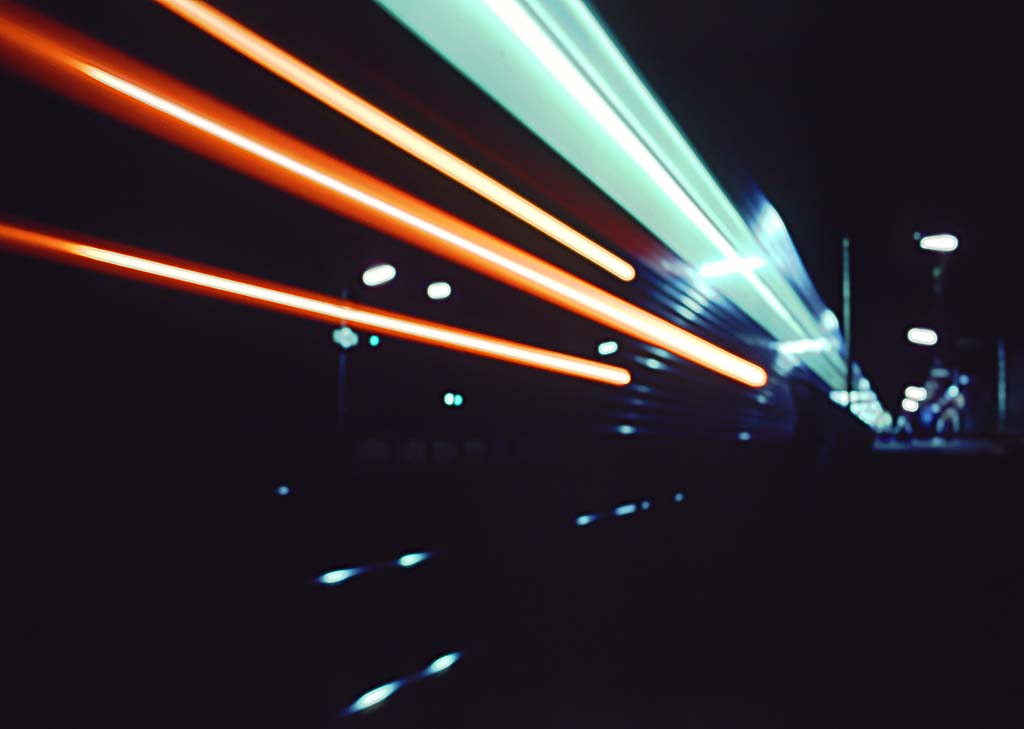
The interval timer will allow the camera to capture many images at predetermined time intervals between exposures, but the longest exposure is limited to 30 seconds. These settings can be very useful when taking many images of star trail for example and stacking the images in post processing. This process will help to reduce noise in the final stacked image.

Monochrome

Using this setting images can be captured in monochrome. However sometimes it may be better to convert to monochrome in post processing as the post processing will be more flexible in selecting the tones required.

Active D-Lighting

Active D-Lighting with the Nikon camera system will optimise the high contrast images and restore the shadow and highlight detail that can be lost with strong lighting which can increase the contrast between any bright and dark areas of the image. Active D-Lighting can be set to operate automatically or manually, the camera can also be set to bracket images to get one with Active D-Lighting and one without.
The Active D-Lighting processing will take place in the camera at the time the image is captured, the camera applies the necessary digital processing to the light or dark areas of the image. When shooting a subject with a wide dynamic range, Active D-Lighting can reproduce realistic images that retain natural contrast. This option is worth using with high contrast scenes.

Review of Nikon Live View Shooting Mode

Sydney Harbour Bridge

What is Live View Shooting Mode

The Live View Shooting Mode with Nikon cameras is exactly what it says, you actually see on the LCD display, what the lens is seeing, but what you are seeing on the display is actually a fraction of a second after the camera has captured the scene due to the inbuilt camera delays.

The Live View shooting mode enables you to view the scene and compose the image without looking through the cameras view finder, and it is ideal for situations in which you want to, or need to, hold the camera at an unusual angle or away from your body, you can even hold the camera high above your head and still see the cameras LCD display.

Nikon cameras will provide two different modes for Live View shooting, Handheld Mode and Tripod Mode, the camera will provide full autofocussing operation during the use of Live View.

Live View Handheld Mode

With the normal digital SLR operation the phase detection AF sensors will be blocked when the camera raises the reflex mirror and exposes the imaging sensor, this is what happens in the Live View Handheld Mode. The mirror must be continually up during live view  and the  imaging sensor constantly sends data data to the LCD display, the mirror must be always held up while Live View Mode is being used. There will be a brief interruption to the Live View display when the camera drops the mirror, focuses and quickly flips the mirror back up to shoot a picture, after which the Live View will again resume.

Live View Tripod Mode

The Live View Tripod Mode, uses contrast detect autofocus which is detected directly from the camera imaging sensor. The camera reads the data off the camera image sensor and evaluates how the light to dark or dark to light abrupt transitions occur in the image, thus allowing the photographer to focus without interrupting the Live View display. Tripod Mode is the best mode when photographing still life images or when photographing landscapes.

Manual Focusing in Live View Mode

The cameras LCD display can be magnified and this magnification is extremely useful, the Live View display is very useful when manually focusing SLR cameras via the live view. During manual focusing, the magnified Live View display can be used very effectively to achieve precise focussing. I find this very useful for landscapes or for precise focussing when using a telephoto lens.

See here for a review of the current Nikon cameras.