
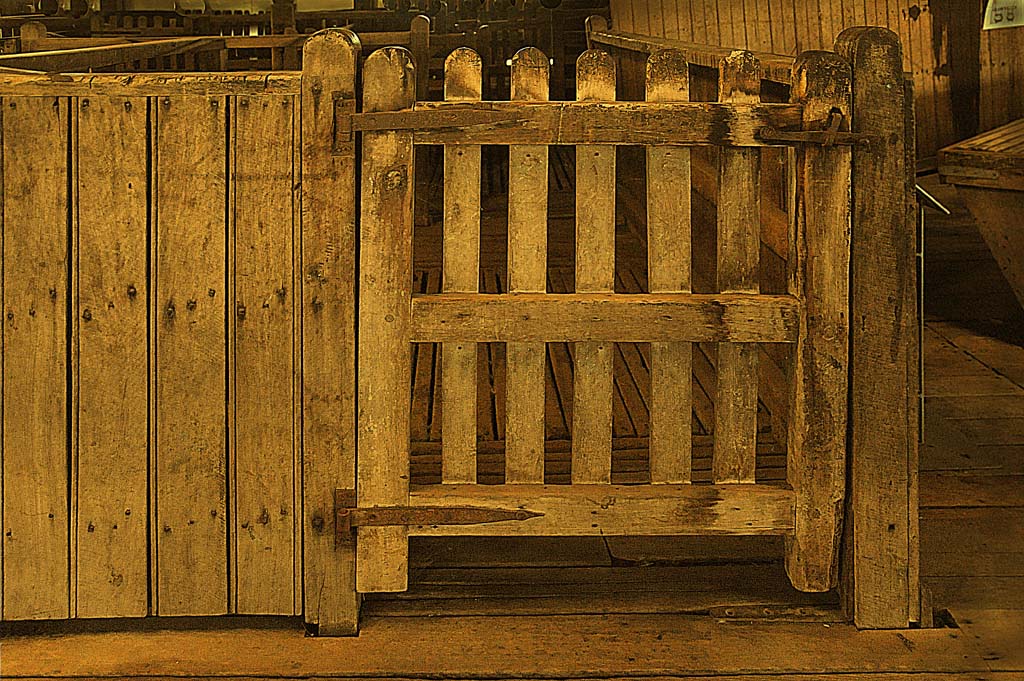
The image above from the Jondaryan Woolshed, as captured was lacking in color and was nearly a monochrome image.
Images such as shown above can be vastly improved by adding some colour, in this image an improvement was acheived using the NIK software plug-in for Photoshop. The plug-in used is NIK Color Efex Pro, this software has many options and in the case above a colorize option was used together with a tonal contrast action to bring out some additional texture in the image. The NIK Color Efex Pro is also available as a plug-in for Nikon Capture NX software.
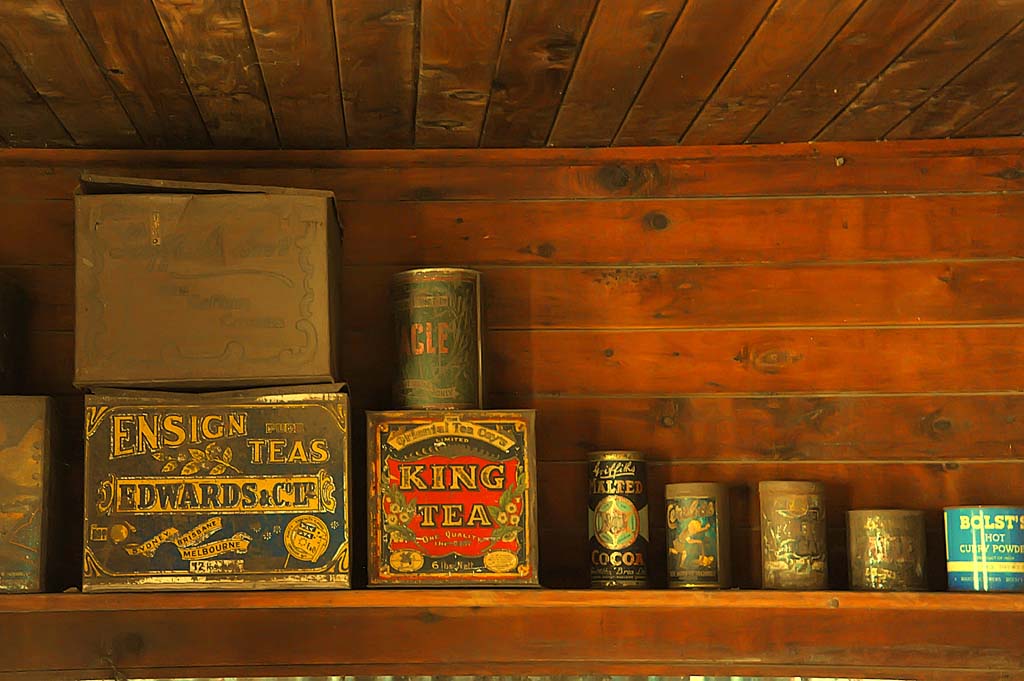
The image below was taken at a very high ISO (ISO6400) and ended up lacking a little color. The solution was to add some color to the image using Color Efex Pro with the colorize option.
Beautiful work Geoff!